 Moneylogz
Your finances, synced wherever you work.
Connect your bank accounts once. Moneylogz keeps Google Sheets™, monday.com and the new Moneylogz app up to date with your balances, transactions, documents and investments, every day.


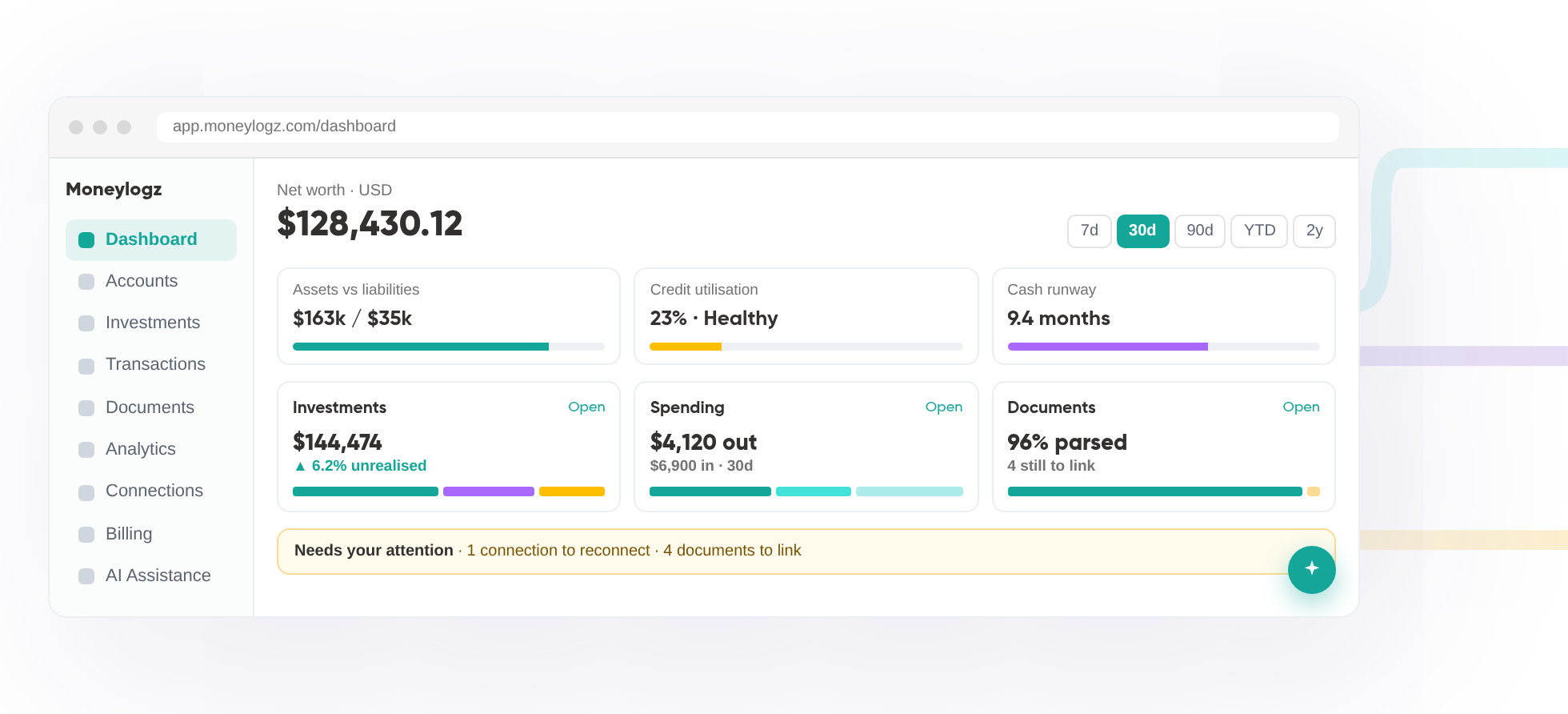
Three ways to use Moneylogz
One set of bank connections, three places to see the result. Pick the one that fits how you work, or use all of them: they are included with every plan.

- Receipts and invoices parsed and matched to charges
- Investments, analytics and net worth over time
- AI Assistance that answers from your own records
- Explore the app

- Your financial life in a spreadsheet, updated daily
- Balances and transactions written into your own sheet
- Formulas and notes in other columns are left alone

- Accounts and transactions on the boards your team already uses
- Same daily updates as the add-on
- Automate the rest with monday.com itself
Connect to 12,000+ financial institutions
Moneylogz integrates with 12,000+ leading banks and credit card providers in North America, including Bank of America, Chase Bank, and American Express, among many others.
FAQs
What is Moneylogz?
Moneylogz is an add-on that connects different platforms like monday.com and Google Sheets to bank accounts and other financial institutions to automatically import financial data.
Forget about manual CSV exports and data entry or inaccurate financial reporting. With Moneylogz, your Google Sheet will always be up to date with your most recent transactions from 12,000+ financial institutions.
How many financial institutions are supported?
Moneylogz supports 12,000+ financial institutions, including leading banks and credit card providers like Chase Bank, Bank of America, American Express, and many more.
For the full list – check out our supported banks and credit cards page.
Does Moneylogz segment transactions into categories?
You can easily use Moneylogz to update your Google Sheet pivot tables with transaction summaries and trackers.
With our automated segmentation feature, each and every transaction is reported in a category as well as a sub-category.
For example:
An expense from “Uber” will be labeled as “category=travel” and “sub-category=taxi”
Will Moneylogz be able to access my bank account?
No. Your financial credentials cannot be accessed by our servers. For more information please read our complete security statement.
How can I cancel my Moneylogz subscription?
You can cancel your subscription at anytime using this link.
Can I get in touch with the Moneylogz team?
Yes, absolutely.
You can get in touch with us here.